

Catalog
Catalog is your product inventory. It gives you a unified view of every SKU you sell across all connected marketplaces — including where it’s listed, how much stock you have, and how long that stock will last at your current sales rate.
Products
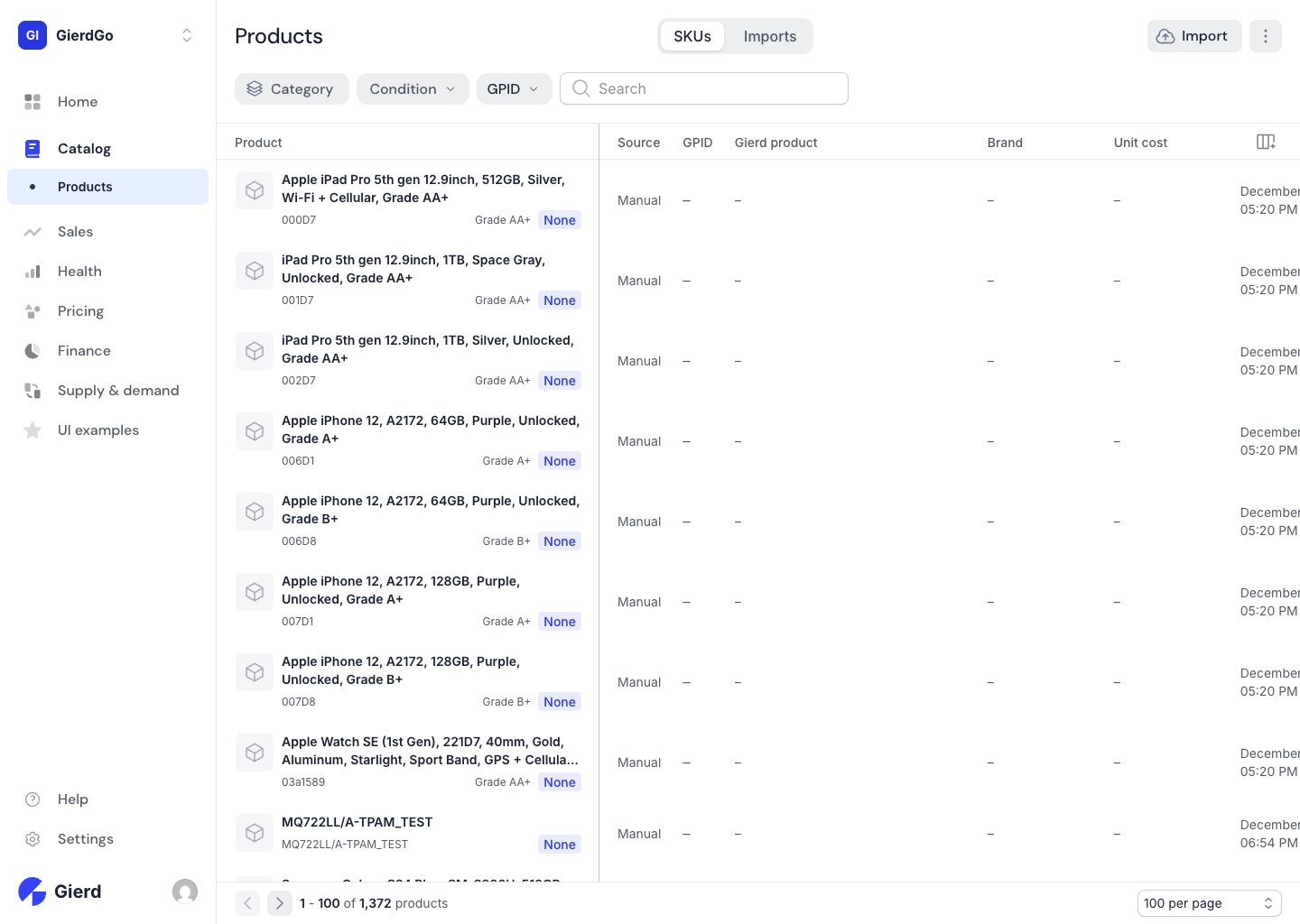
Section titled “Products”The SKUs tab lets you see line-level detail on every item — current price, inventory on hand, days of supply, and listing status across each marketplace. Filter by Category, Condition, or GPID (Gierd Product ID, the unique identifier assigned to each product in your catalog) to narrow the list, or use search to find a specific product.
Imports
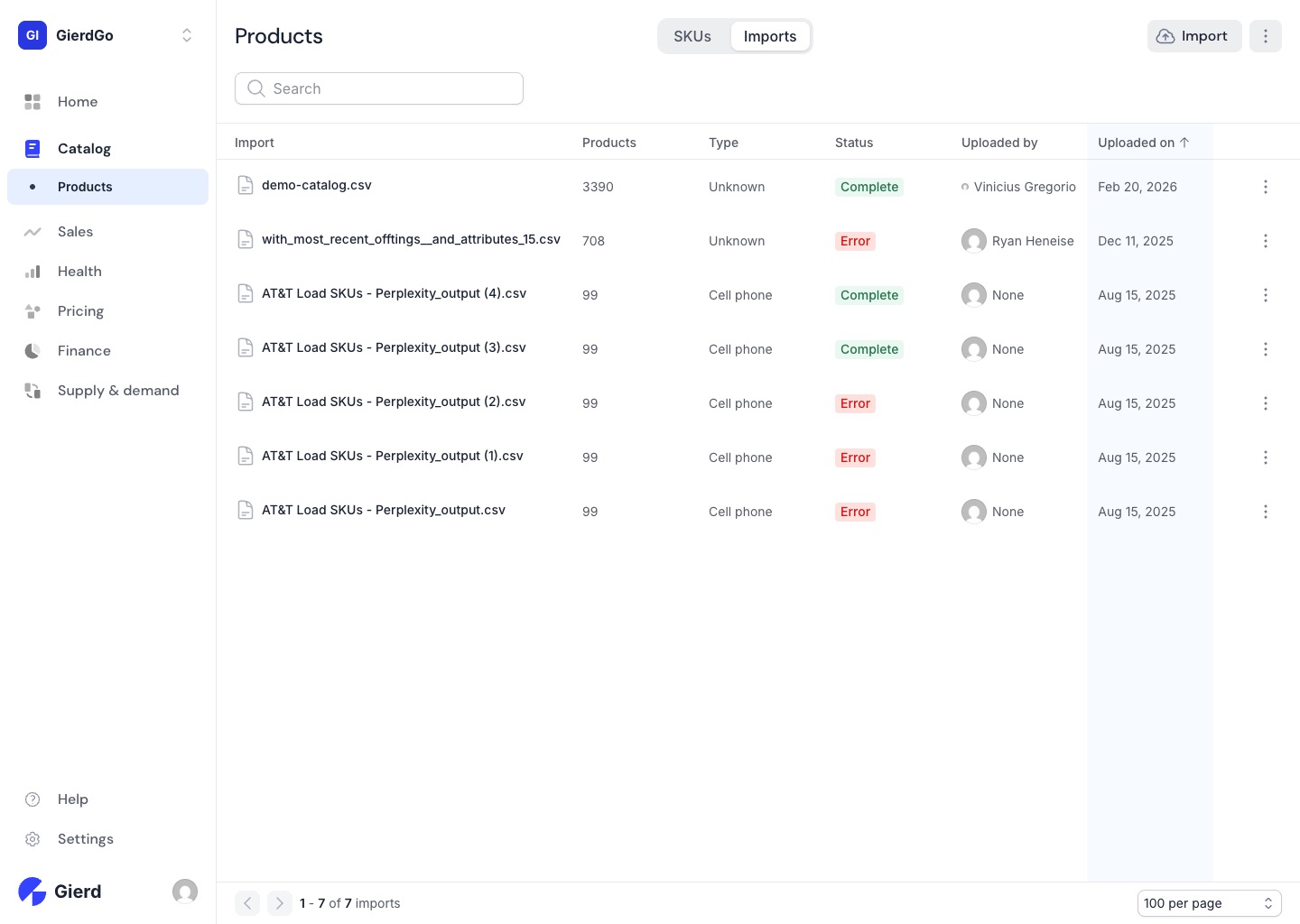
Section titled “Imports”The Imports tab lets you bring in products via CSV. Use it to bulk-add new SKUs, update costs, or load catalog data from an existing system. Each import shows a product count, type, status (Complete or Error), and who uploaded it.
Next, we’ll look at how Sales shows you how those products are performing — order trends, revenue by channel, and which SKUs are moving fast or slow.